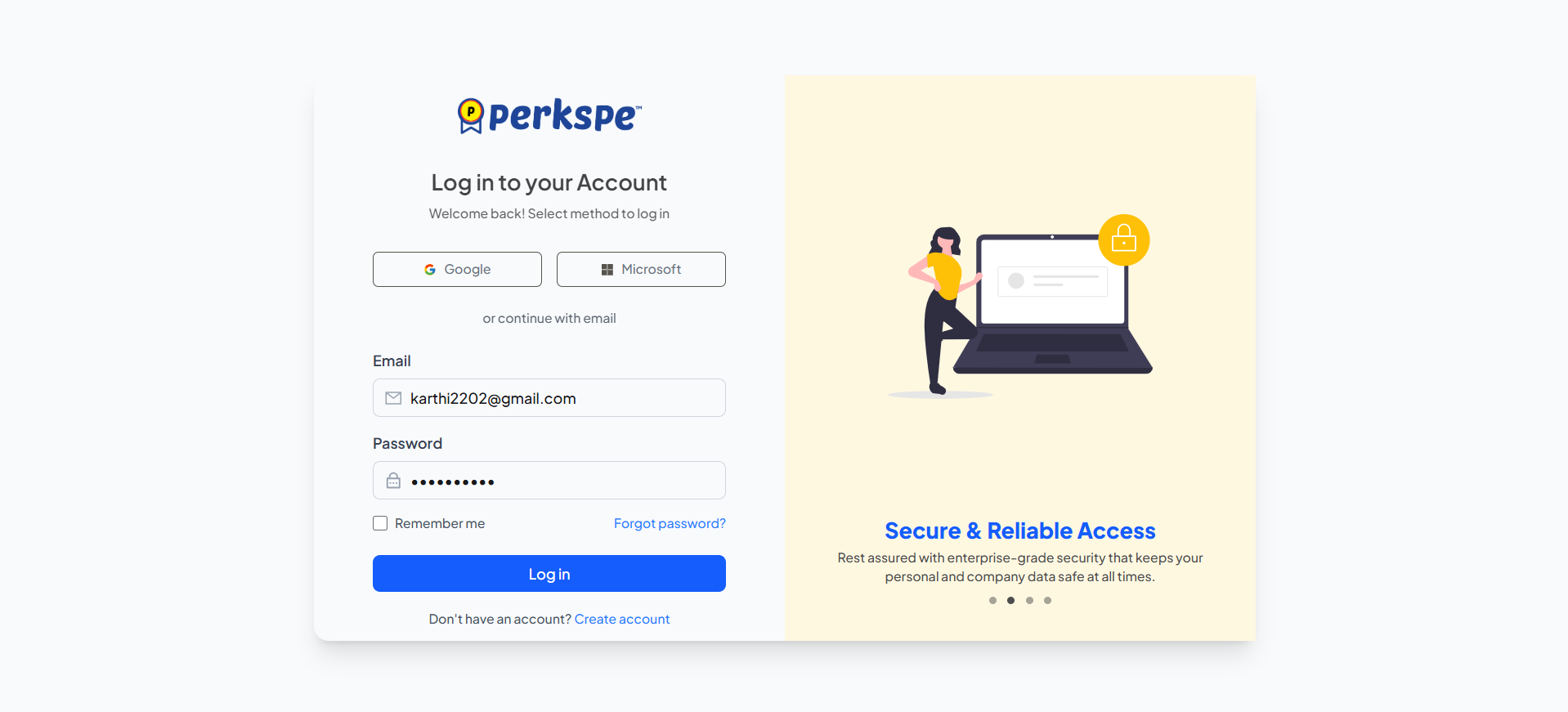
Account Creation Process
Setting up your organization's PerksPe account is fast and straightforward. Follow these steps to register, activate your account, and securely log in.
Step 1: Create Account
To begin, fill out the sign-up form with the following details:
Basic Info
Your Name, Mobile Number, and Email Address.
Organization
The legal name of your company.
Invite Code
The unique code received via email.
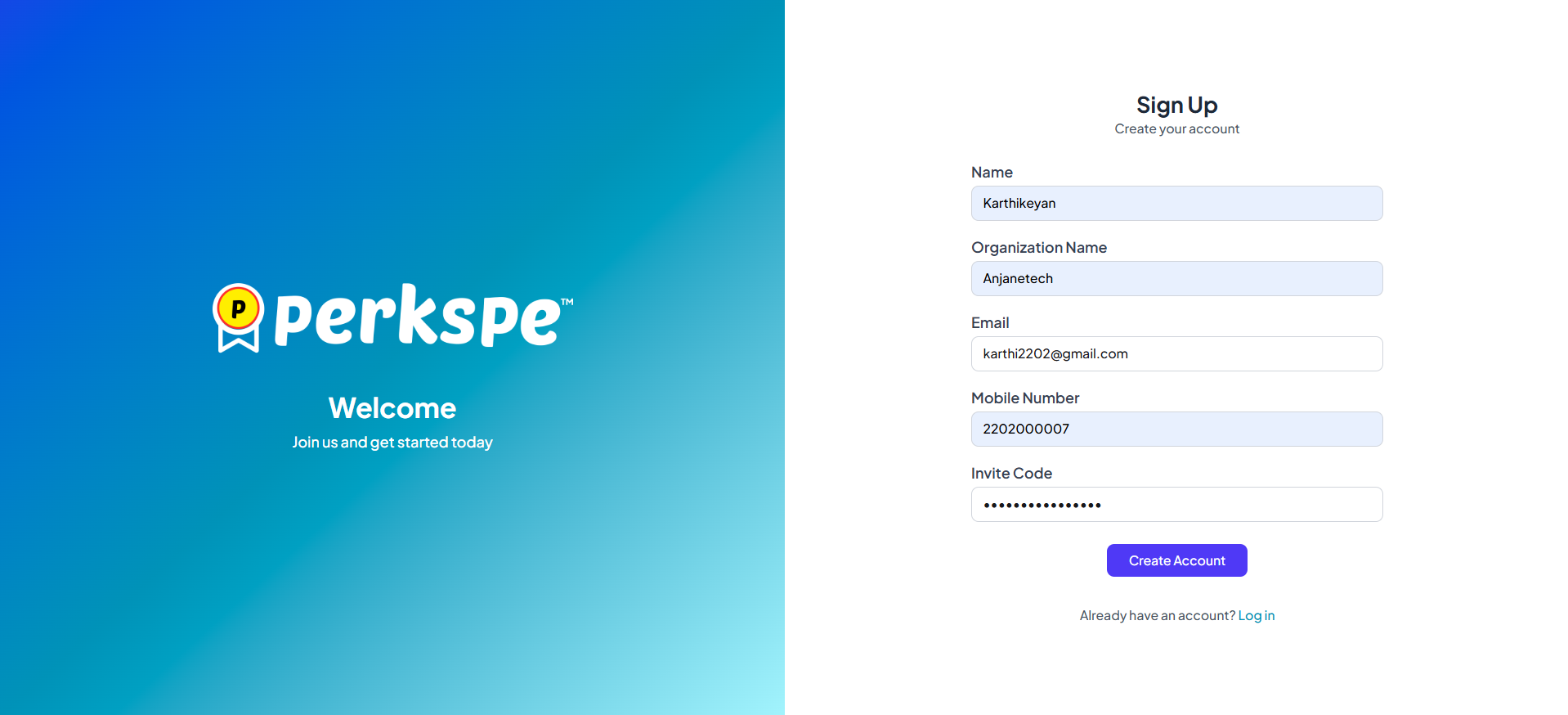
After filling in the details, click Create Account.
Step 2: Account Activation
After submitting the form, you will be directed to a "Check Your Email!" confirmation screen.
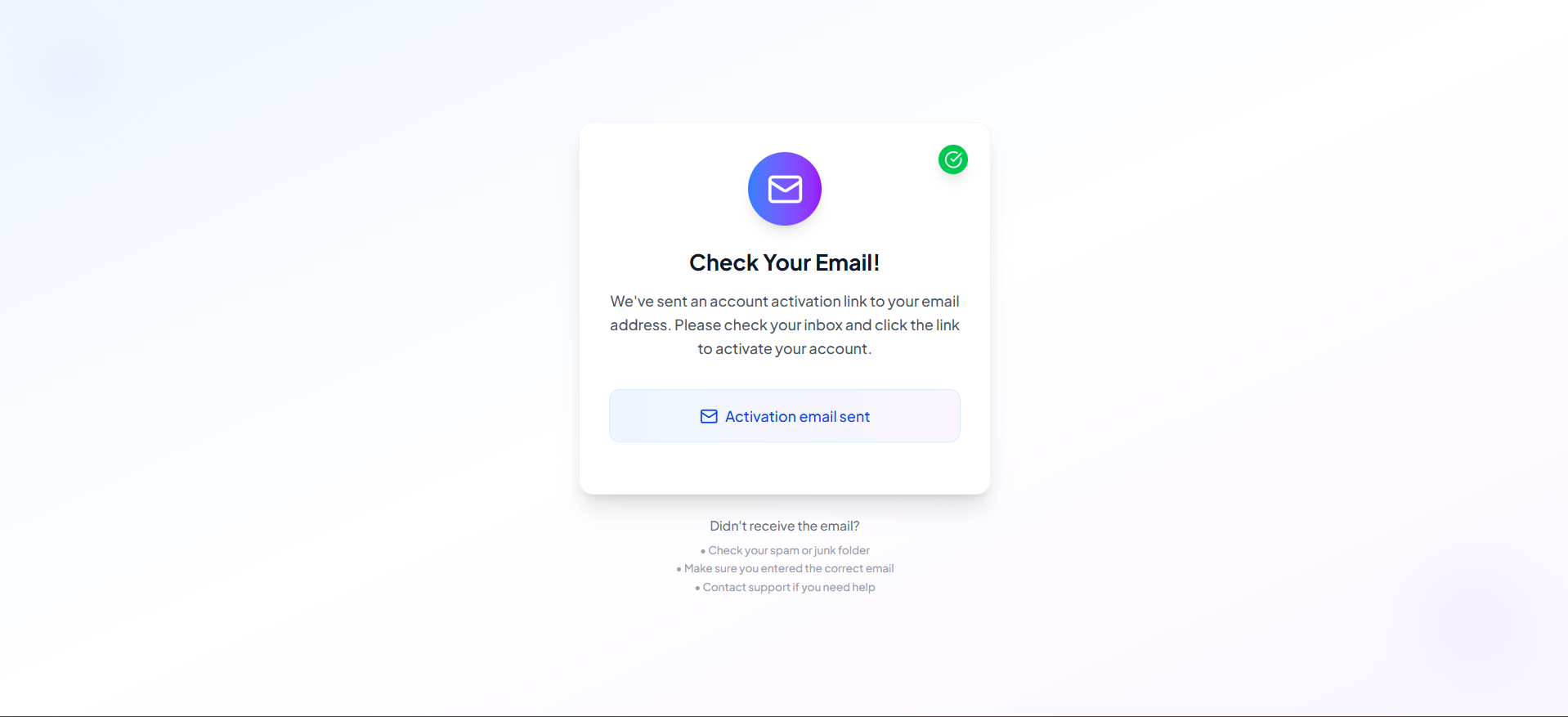
- Check your inbox for an email from PerksPe.
- Click the secure activation link inside the email to verify your address.
Step 3: Set Your Password
Clicking the activation link brings you to the password creation page.
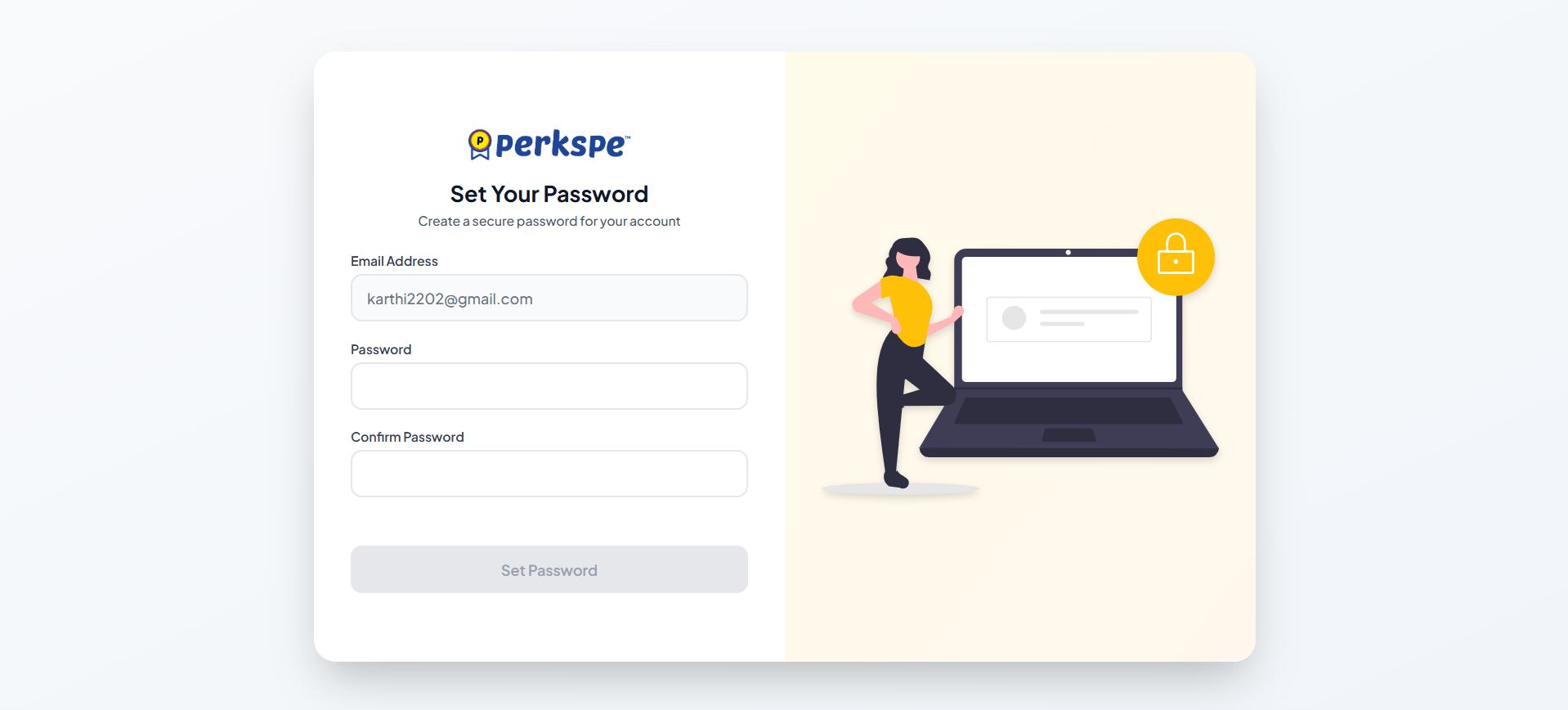
- Your email address will be pre-filled.
- Enter a strong, secure password and confirm it.
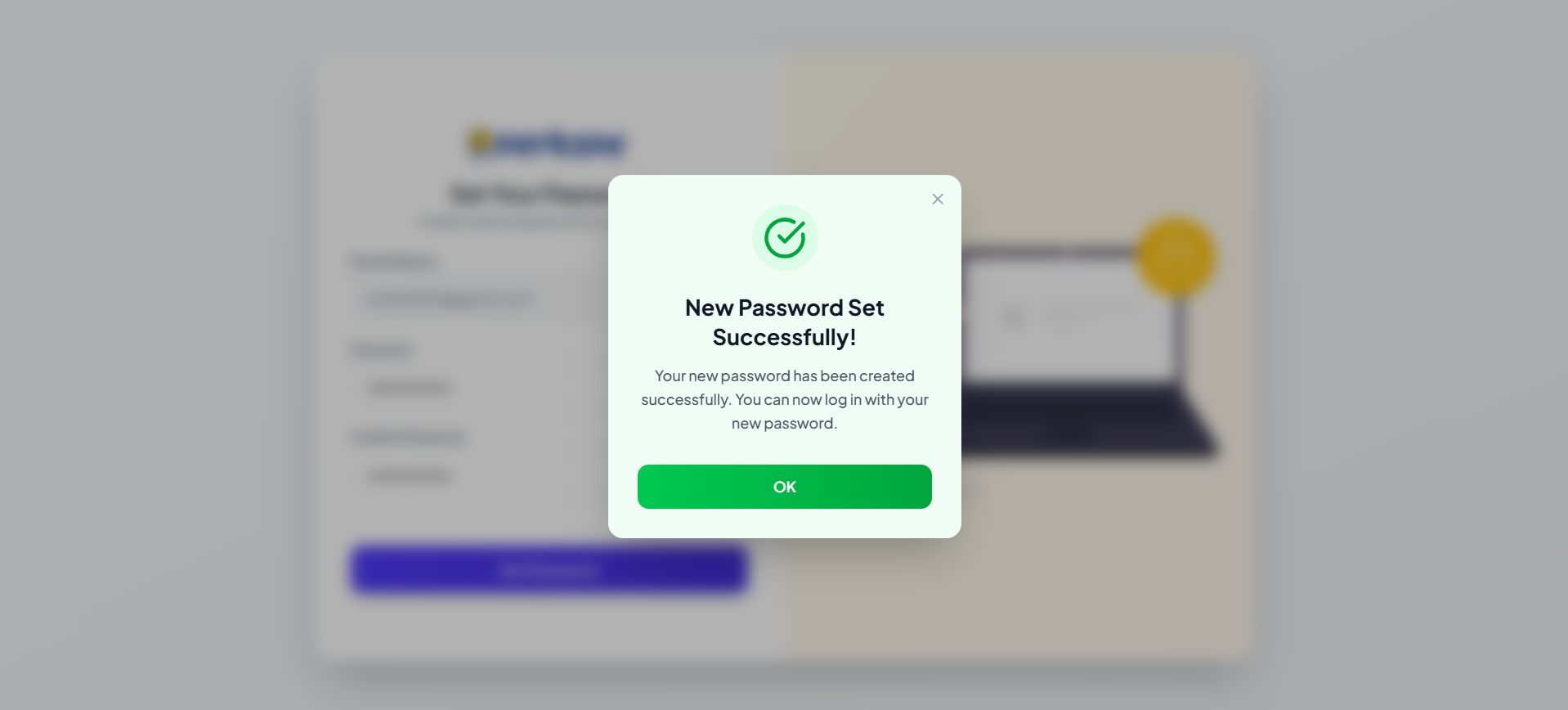
- Once successful, a confirmation message will appear!
Logging into Your Account
Once your account is created and activated, you can access the admin dashboard from the Log in to your Account page.
Email & Password
Log in using your registered email and the password you just created.
Single Sign-On (SSO)
Log in seamlessly using your Google Workspace account (Coming soon).