Home Dashboard Overview
The Admin Homepage is divided into two dashboards, each designed for a different team.
Finance Dashboard
Monitor expenses, reimbursements, transactions, and financial analytics.
HR Dashboard
Manage employee engagement, PEP Coins, rewards, and leaderboards.
Use the Finance and HR tabs at the top of the homepage to switch between these dashboards.
💰 Finance Dashboard
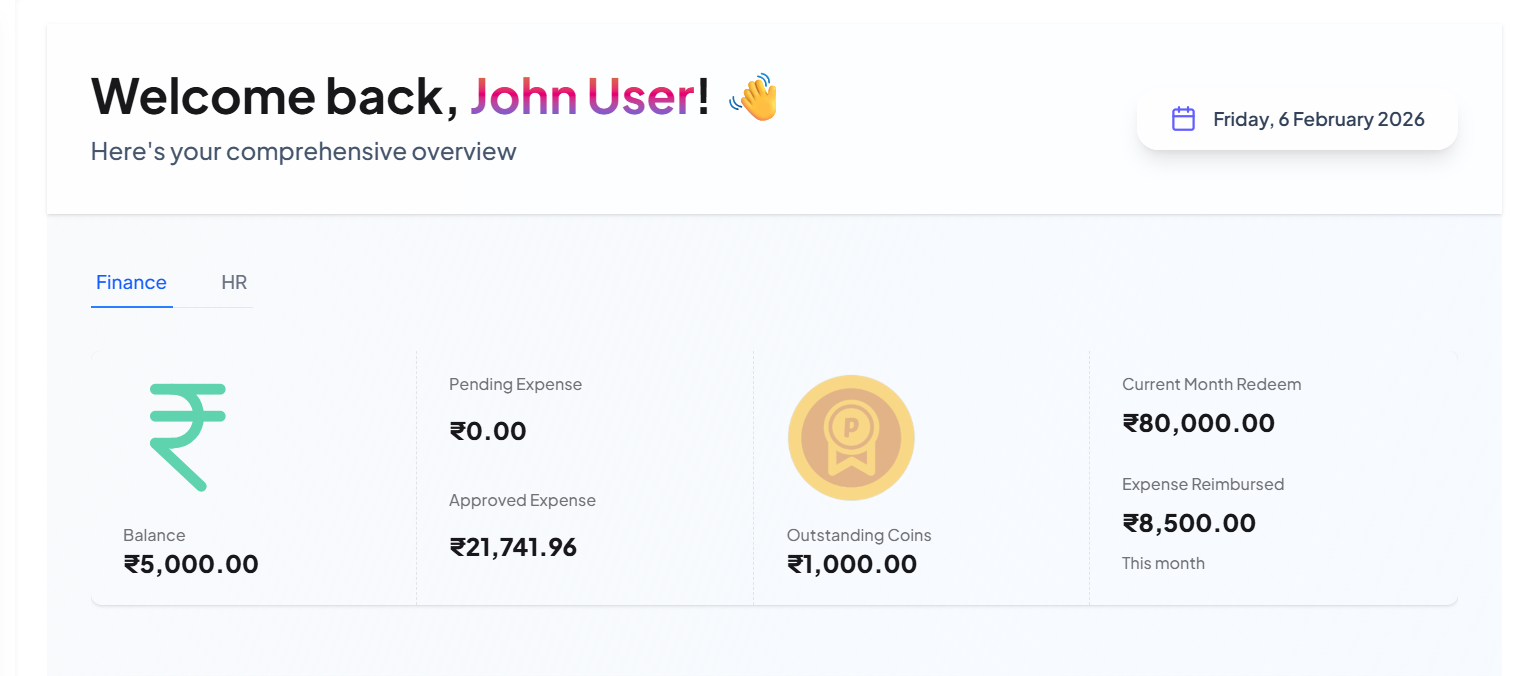
The Finance tab provides an immediate snapshot of the organization's financial metrics and expense processing health.
1. Financial Status Summary
Expenses
View total Approved, Pending, and Rejected expense claims.

PEP Coins
Track outstanding and redeemed PEP Coin balances across the company.
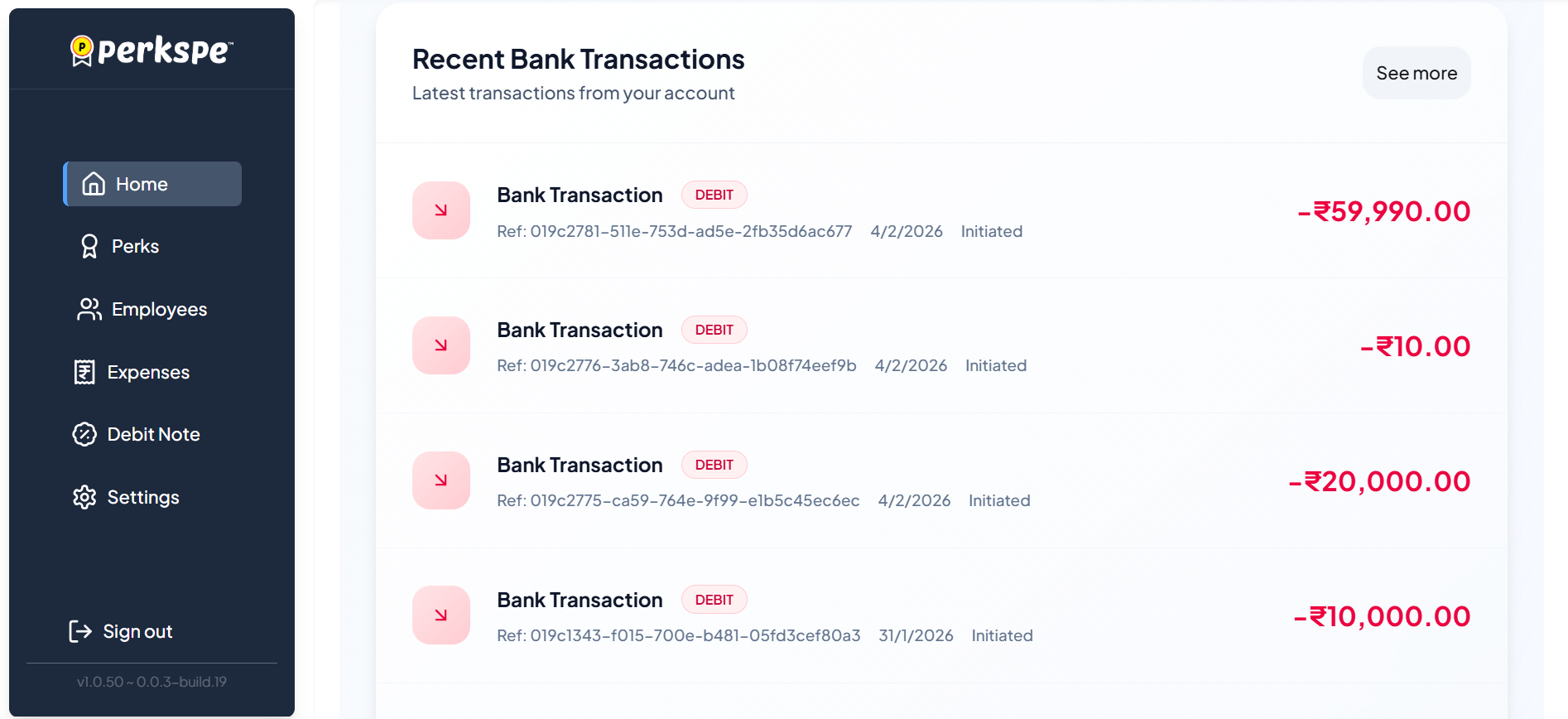
2. Activity and Status
Track recent deposits, withdrawals, and bank transactions directly from the dashboard.
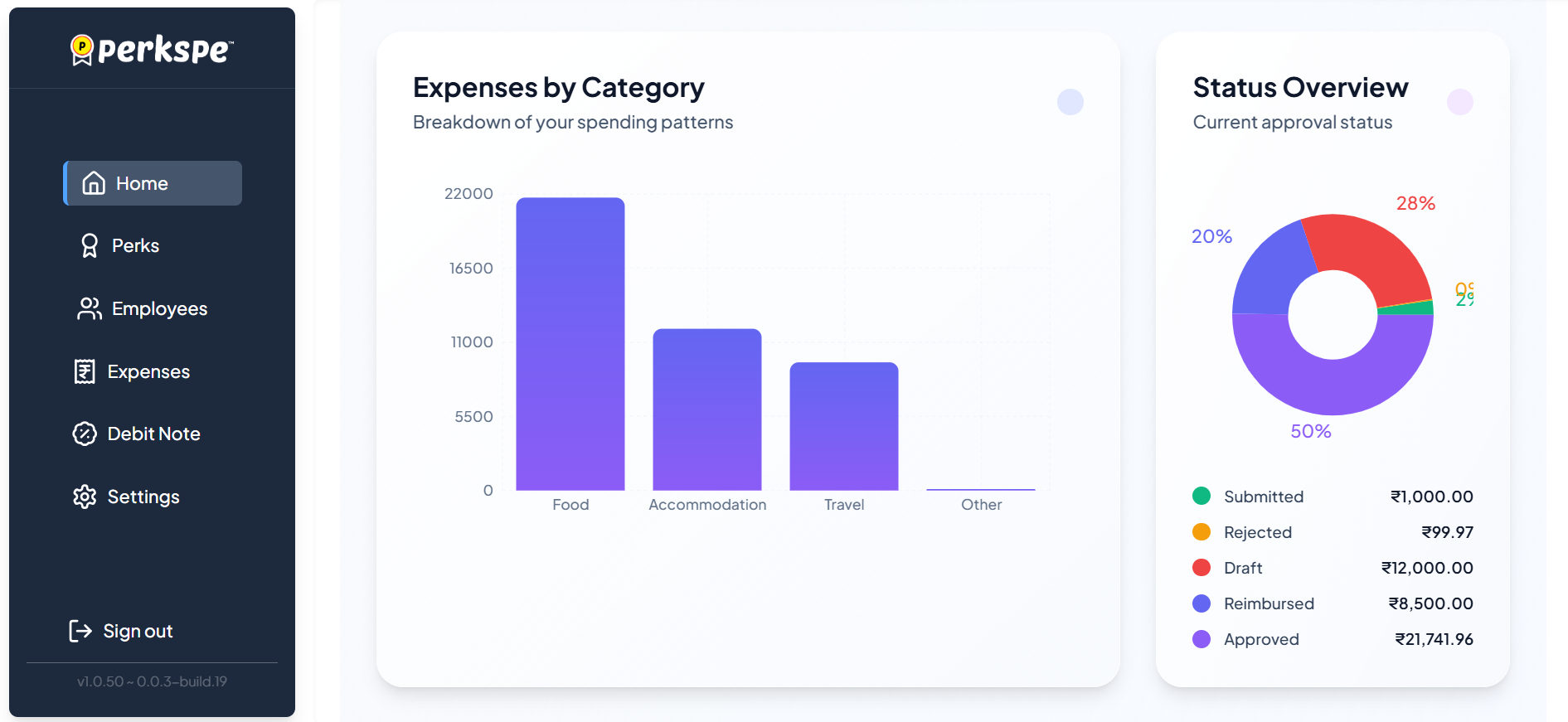
3. Analytics & Breakdowns
Status Overview
A donut chart provides a visual breakdown of all submissions by status (Approved, Pending, Rejected).
Category Breakdown
A bar chart provides a clear breakdown of spending patterns by category (e.g. Food, Travel, Office).
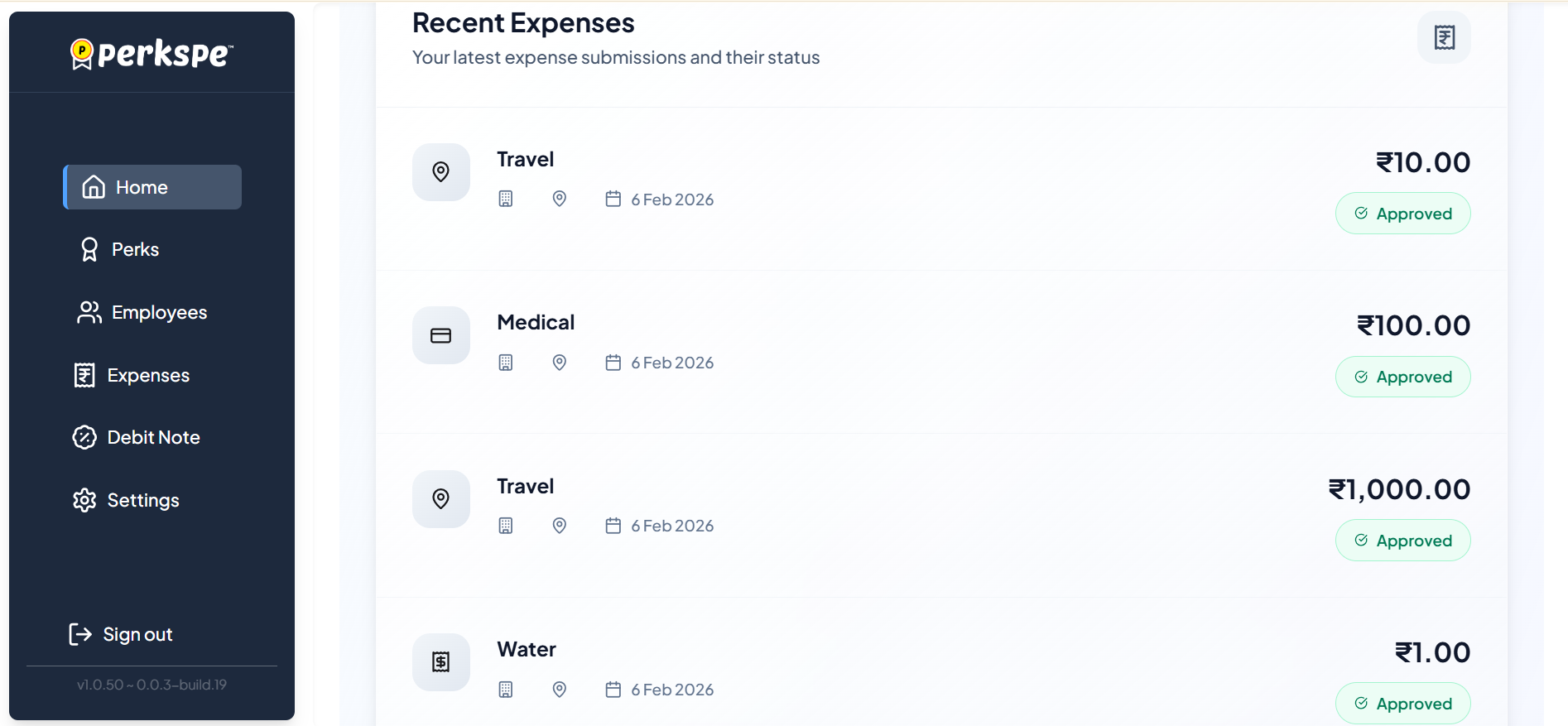
4. Recent Expenses
View a real-time list of the latest expense submissions and their current statuses, allowing for quick action.
👥 HR Dashboard
The HR tab focuses on employee engagement, rewards distribution, and coin utilization across the organization.
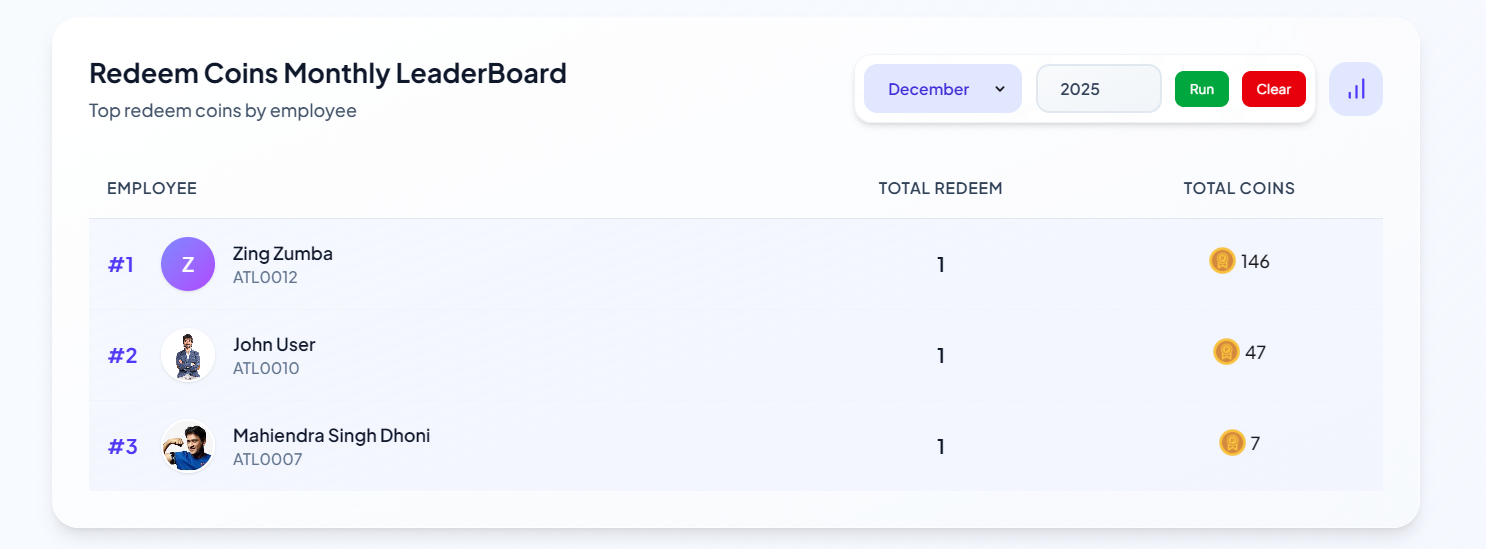
Redeem Coins Monthly LeaderBoard
This section displays a ranking of employees based on their coin redemption activity for a specific month.