Mobile Homepage Overview
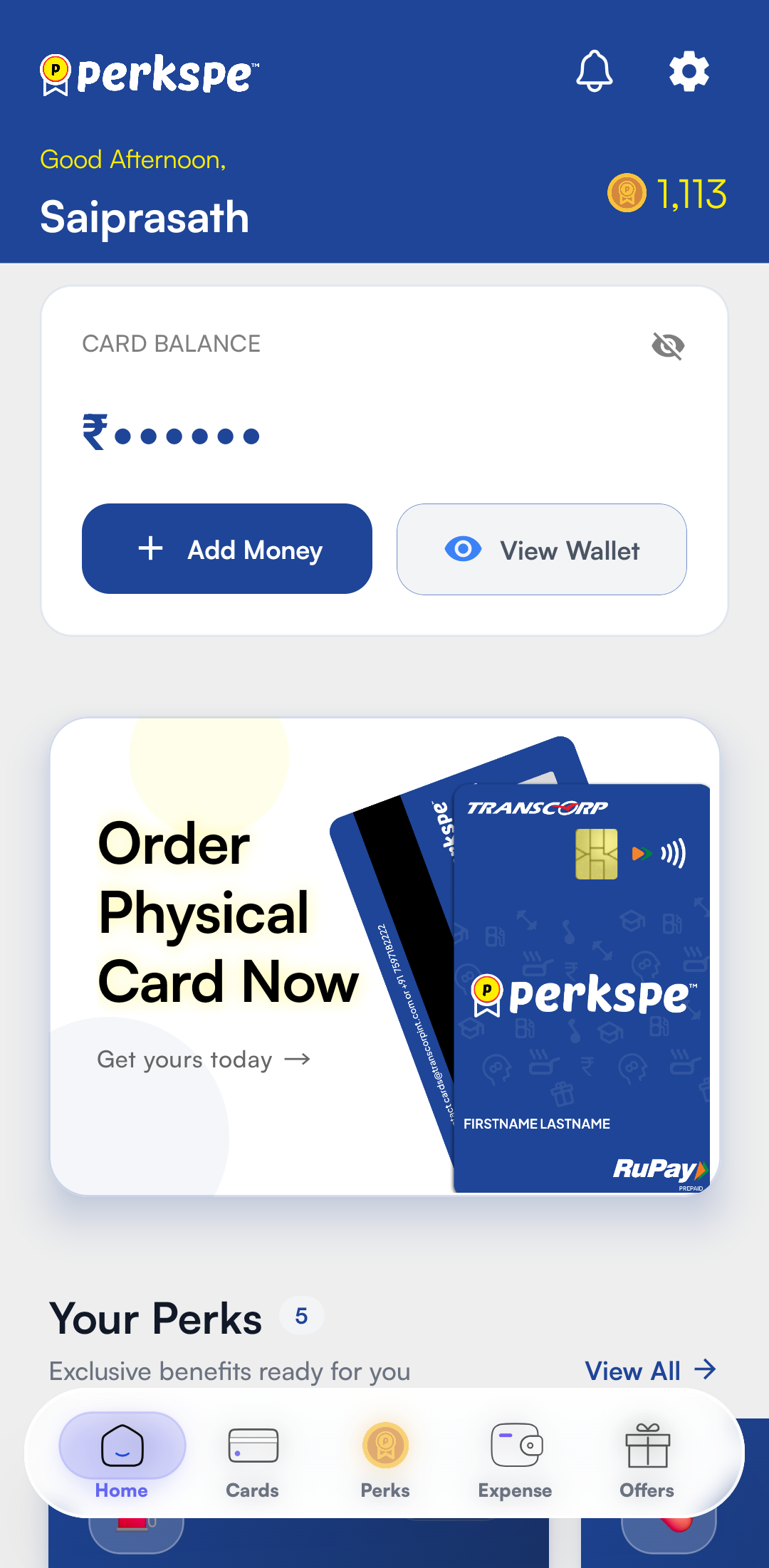
The Home screen is your central dashboard for all PerksPe activities in the mobile app. It provides real-time visibility into your balances, perks, and available offers.
1. Digital Wallet & PEP Coins
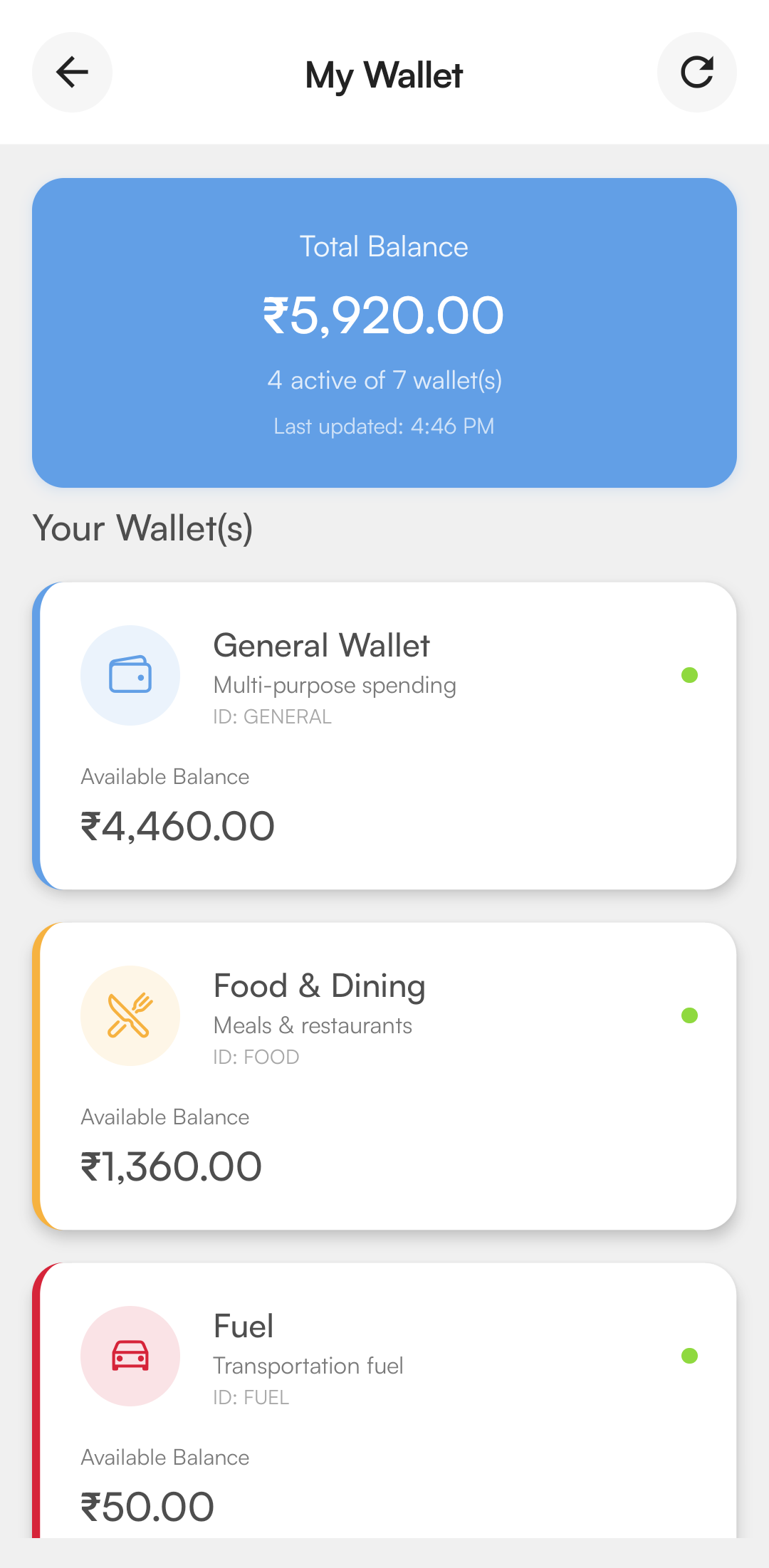
The wallet section provides a clear view of your available spending power.
- Available Balance: See your current PEP Coins total at a glance.
- Specific Wallets: Individual trackers for your assigned perks (e.g., Food, Fuel).
- Transaction View: Tap to see a detailed audit trail of your earnings and redemptions.
note
PEP Coins are company-issued digital rewards. They are intended for use at eligible merchants and cannot be withdrawn as cash.
2. Funding Your Wallet
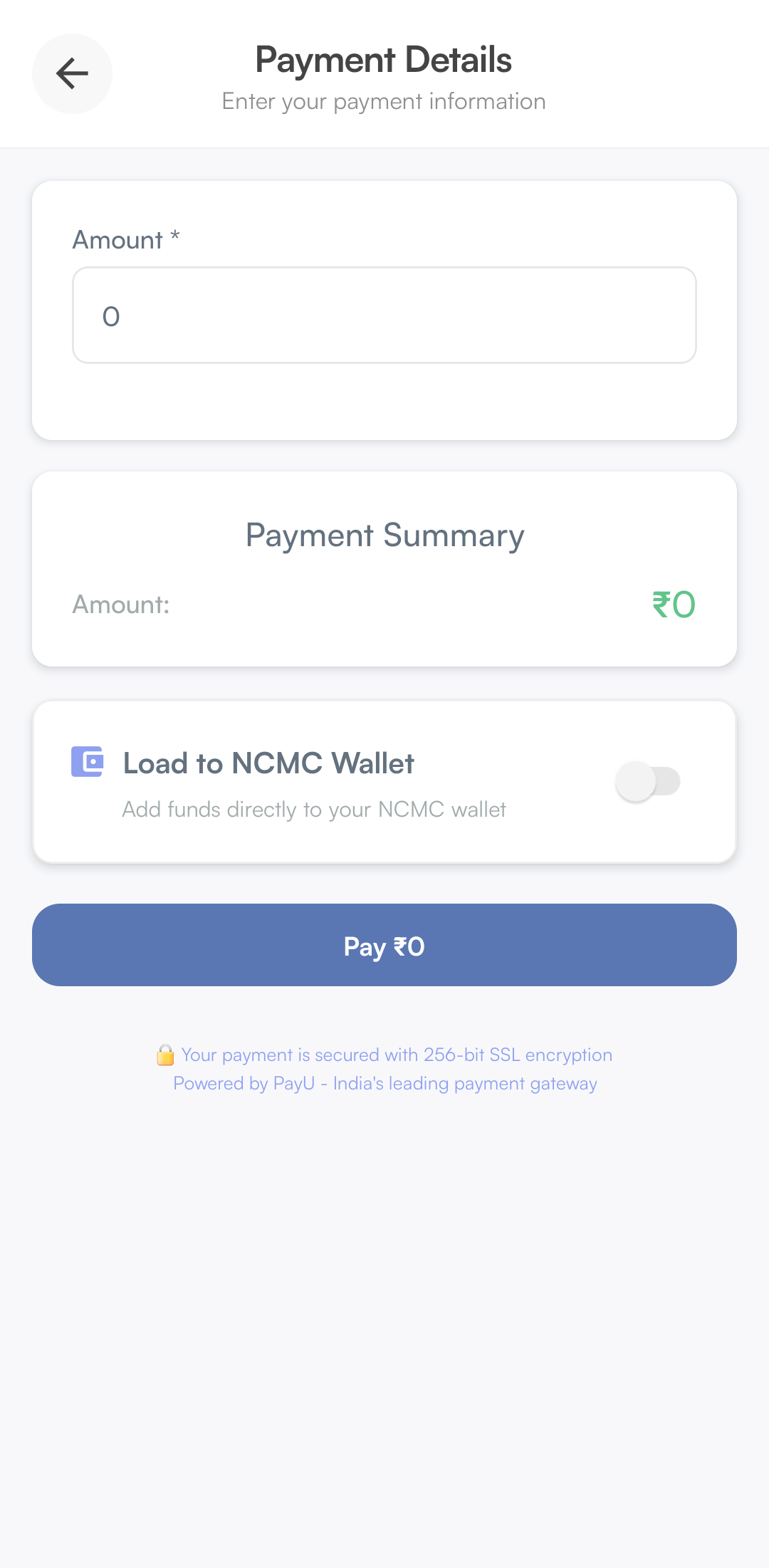
If enabled by your organization, you can load additional funds for personal spending or travel.
| Feature | Description |
|---|---|
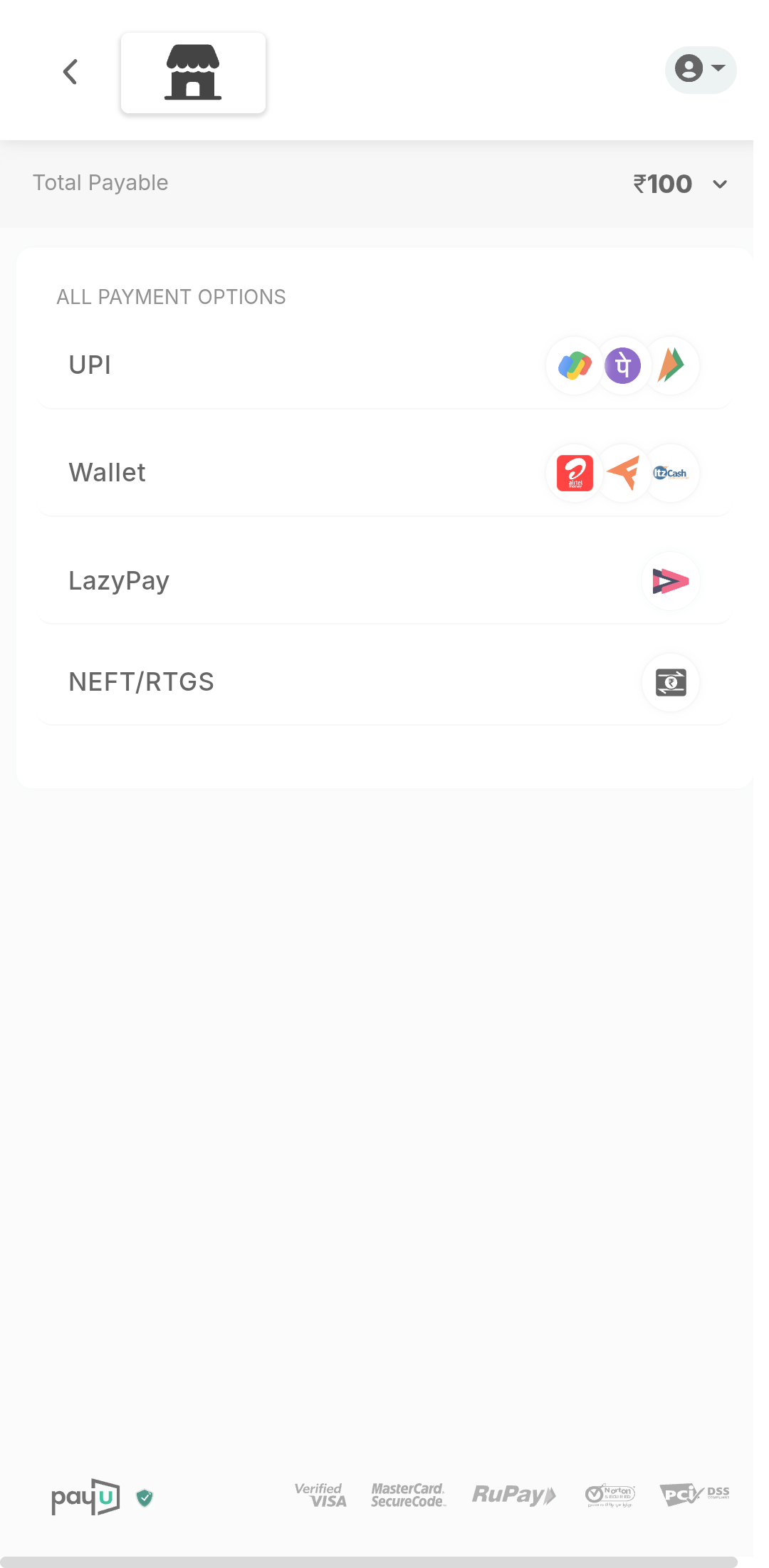
| Add Money | Choose the amount to load via UPI or Net Banking into your main wallet. |
| Payment Summary | View a breakdown of the transaction before final confirmation. |
| NCMC Support | Option to add funds specifically for your National Common Mobility Card (NCMC) for transit. |
3. Perks Pe RuPay Card
Manage your payment method directly from the app.
- Order Physical Card: Apply for a physical PerksPe RuPay card to swipe at retail locations.
- Digital Controls: Track your card status and view linked balances.
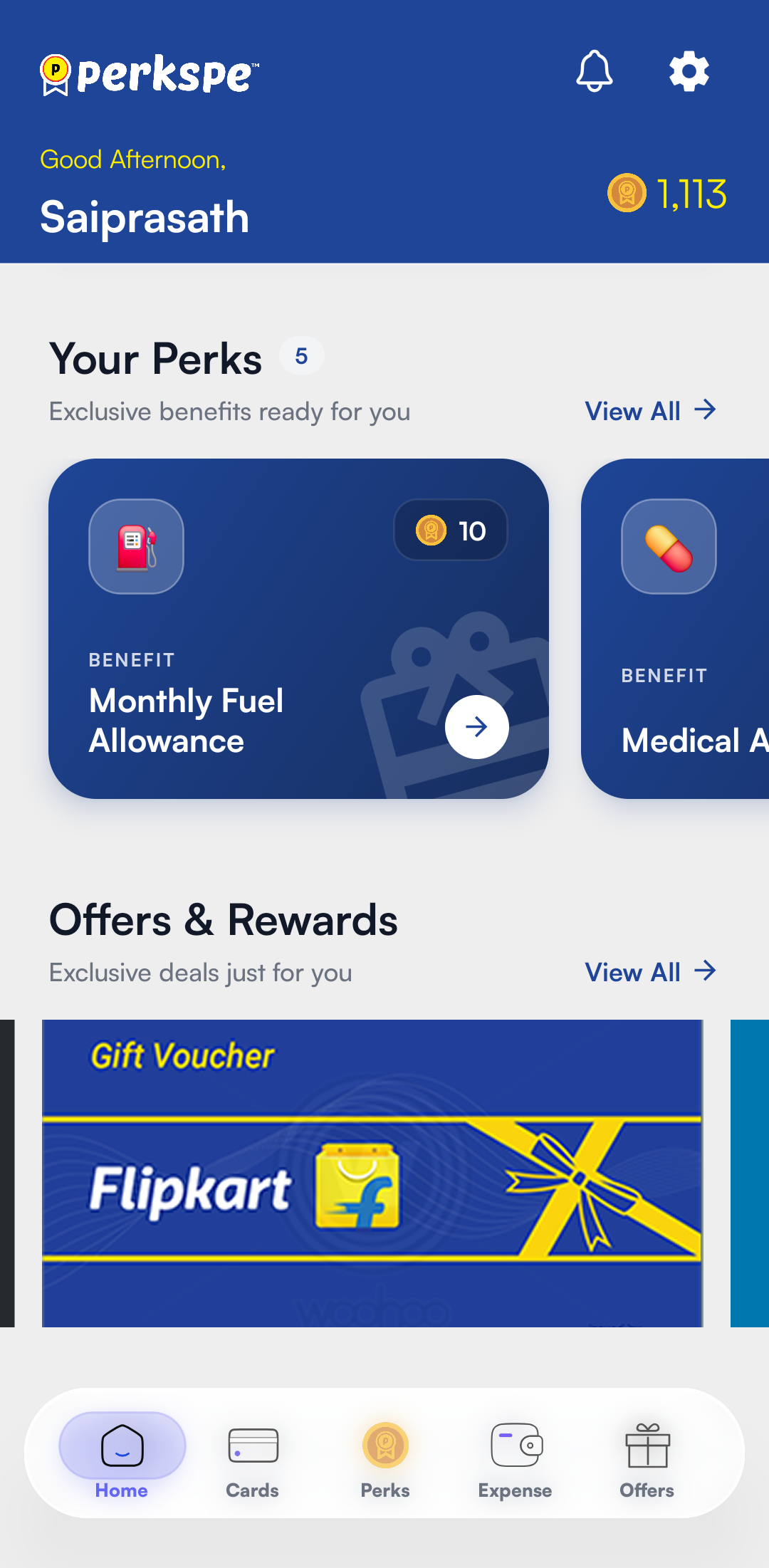
4. Available Perks
This dynamic section lists all the benefits currently provided by your organization.
| Category | Example Uses |
|---|---|
| 🍱 Meal | Spend at restaurants, cafes, and delivery apps. |
| 💊 Medical | Pharmacy purchases and medical diagnostics. |
| ⛽ Fuel | Fuel stations across the country. |
5. Offers & Rewards
Discover exclusive deals curated specifically for PerksPe users.
- Merchant Discounts: Access special pricing at partner brands.
- Reward Status: Track any active promotional rewards or seasonal bonuses.